

What to Expect & How to Prepare for the Graduate Writing Center
If this is your first time visiting the GWC, you may be wondering what to expect during your session. Keep reading for details concerning 1:1 Zoom appointment expectations, as well as how best to prepare for your visit in any modality.
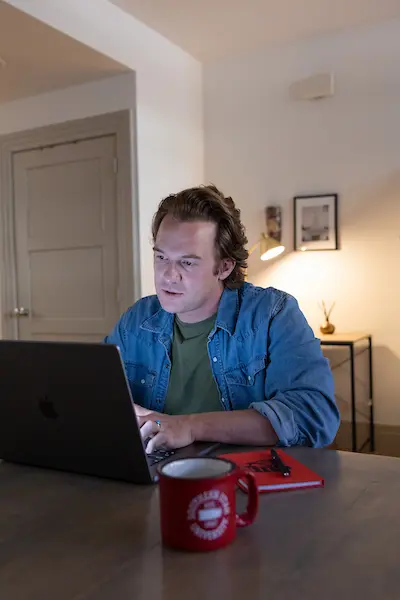 You Can Expect Us to…
- be friendly, courteous, and professional;
- ask context-seeking questions about your project and its requirements;
- ask about your goals for the paper and for the session;
- make a plan at the beginning of the session to go over your paper with you;
- listen, consider the project’s expectations, and address your writing questions and concerns;
- give constructive feedback and suggestions; and
- share tips or recommend writing, library, or research resources that will be helpful for your current project and future ones.
Preparing for Your Session
Put simply, the more prepared you are, the more easily you’ll be able to discuss your project with us. Also, the more we know about your project and goals, the better we’ll be able to help you achieve them.
For your consideration, here are a few things you can do before we meet to get the most benefit from your visit (in any modality):
- Re-read your assignment sheet, project description, and rubric.
- Review your notes about the assignment, the topic, and/or the type (or genre) of project you’re working on.
- If this project is for a class, review any feedback your professor has already given you.
- Make a list of questions you would like to ask the GWC; also, consider requesting that we address specific parts of your paper during the session.
- If you have recently met with us, review your notes from your last session and any suggestions the GWC has already given. Are there revisions you could make to your draft based on what we have already discussed? If so, you’re encouraged to incorporate these suggestions!
- Remember to share your assignment/project description and your paper with us! If you’re using Google Docs, “Share” your document with us so the GWC has direct editing access: Click Share (in the upper-right part of your screen in Google Docs) > under “General access,” click the pull-down menu and switch from Restricted to “Anyone with the link” > click Done.